When you need to stream personal videos and media files from cloud storage, having a clean, customizable local player makes a tremendous difference. If you are a developer, software enthusiast, or self-hosting fan, you have likely searched for a TeraBox player GitHub repository to stream media directly in your own environment on your own terms.
Today, we are highlighting our 100% functional, open-source project: PlayTera-Terabox-Video-Player. This repository allows you to deploy a high-speed, self-hosted web player that extracts direct media streams and delivers smooth, buffer-free playback on your local network.
💻 What is the PlayTera GitHub Project?
The PlayTera GitHub project is a modern Next.js and TypeScript application designed to parse standard TeraBox share URLs and render them into direct, high-definition video streams.
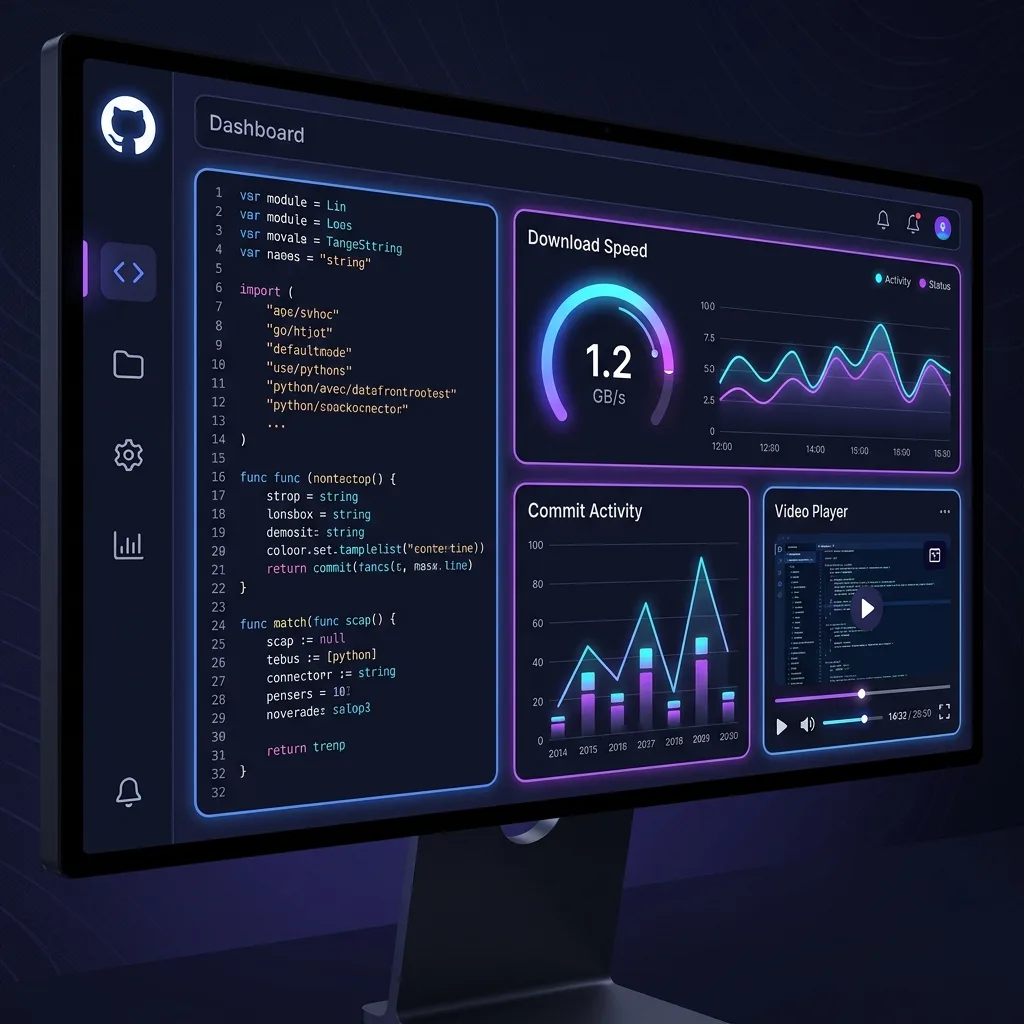
By cloning and running this project on your local machine (localhost), you gain complete control over the playback environment. With zero third-party ads, minimal memory overhead, and an integrated ArtPlayer engine, it provides a blazingly fast streaming experience.
GitHub Repository:
Explore the complete source code, review commits, and star the repository on GitHub if you find it helpful!
Visit GitHub Repository⚙️ Setup Guide: How to Run Locally
Follow these simple terminal commands to run the project on your Windows PC, Mac, or Linux workstation:
Prerequisites:
- Git: Installed on your local machine for cloning the repository.
- Node.js: Node.js version 18 LTS or later installed on your system.
🚀 Step-by-Step Installation:
1. Clone the Repository:
git clone https://github.com/Ganeshmrxx/PlayTera-Terabox-Video-Player.git2. Navigate into the Project Directory:
cd PlayTera-Terabox-Video-Player3. Install Project Dependencies:
npm install4. Launch the Local Development Server:
npm run devOnce the local server compiles, open http://localhost:3000 in your web browser. Your private, ad-free TeraBox web player is now live and ready for streaming.
🛡️ Key Benefits of the Open-Source Version
- 100% Ad-Free Experience: Running on localhost means absolute freedom from promotional banners, popunders, and tracking cookies.
- Instant Link Resolving: Extracts clean direct video URLs for instant in-browser playback or network streaming via external media players.
- Integrated ArtPlayer Suite: Includes playback speed control, picture-in-picture mode, full-screen toggles, and volume amplification.
- Fully Customizable Codebase: Modify CSS themes, integrate custom backend APIs, or deploy on your private VPS container.
📊 Live Web App vs. Local GitHub Deployment
Here is a quick comparison between using our hosted platform and running your own local build:
| Feature / Dimension | Live PlayTera.in App | GitHub Local Setup |
|---|---|---|
| Setup Time | Instant (0 Seconds) | 5 - 10 Minutes |
| User Interface | Polished Glassmorphic Design | Clean, Developer-Modifiable UI |
| System Updates | Automated (Cloud-Managed) | Manual git pull Required |
| Device Compatibility | All (iPhone, Android, PC, Smart TVs) | Workstation with Node.js |
❓ Frequently Asked Questions (FAQs)
Q1: Is this GitHub project completely free to use?
Answer: Yes. It is completely open-source under standard permissive licensing. You are free to inspect, customize, and fork the repository for personal use.
Q2: What should I do if I get a Node.js version error?
Answer: Please verify that your system is running Node.js version 18 or higher. You can check your version by typing node -v in your terminal.
Q3: Can I run this server on my mobile phone?
Answer: While technical users can run Node.js in terminal emulators like Termux, it is much more convenient for mobile users to access our hosted web application at PlayTera.in.
Q4: Can I stream videos directly in VLC using links from this tool?
Answer: Yes. The extracted stream URL can be copied into VLC’s “Open Network Stream” feature to enjoy hardware-accelerated playback.
📝 Conclusion
If you appreciate full transparency, zero advertising, and open-source software, the PlayTera GitHub Player is an outstanding project to explore. It gives you complete control over your cloud video playback experience without depending on proprietary applications.
Check out the repository today, give it a star on GitHub, and enjoy smooth, buffer-free streaming directly on your personal computer.