
TeraBox Online Video Player Bot Telegram: @TeraBoxDownloaderPlayTeraBot
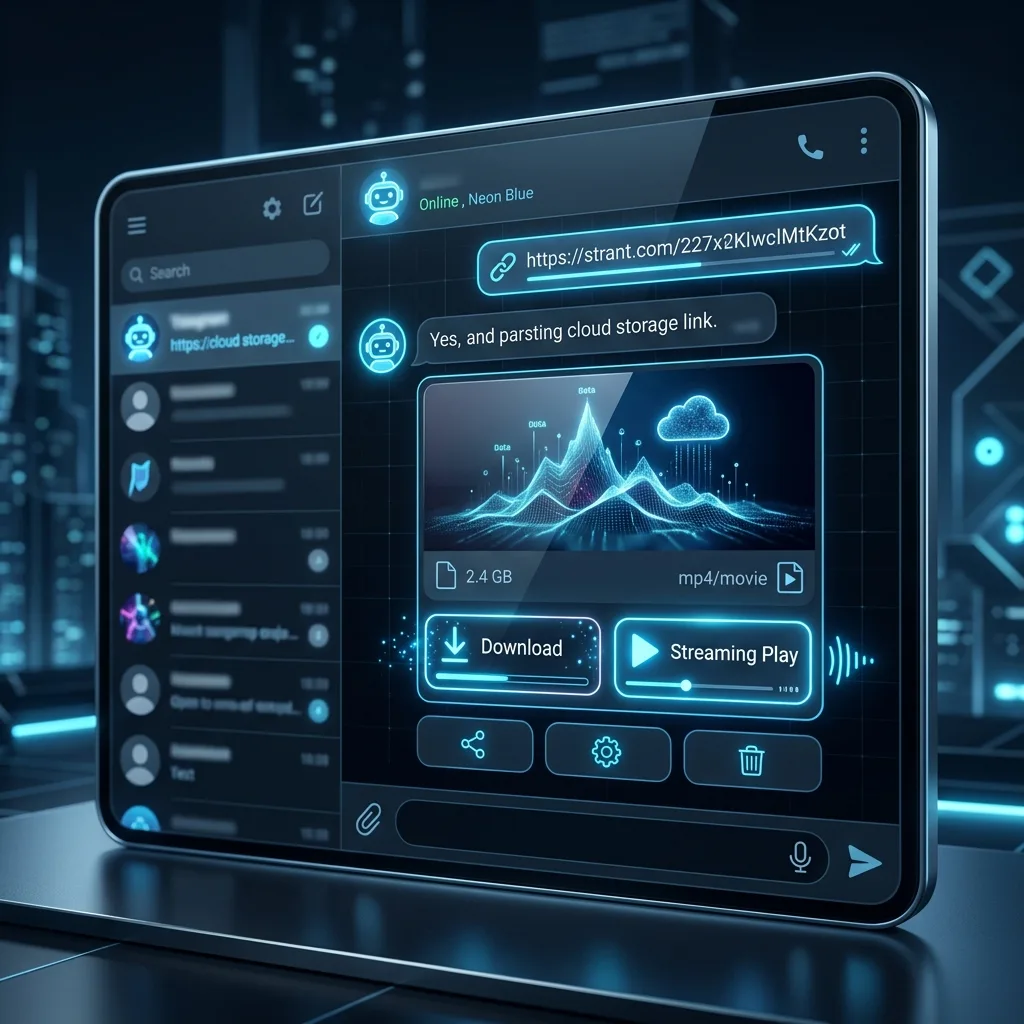
Telegram bots have transformed how millions of people automate tasks and access online media. In this guide, we explore our dedicated, fully functional streaming bot: @TeraBoxDownloaderPlayTeraBot. This bot operates as an instant TeraBox link player, transforming cloud URLs into direct playback streams within seconds.
🤖 What is @TeraBoxDownloaderPlayTeraBot?
@TeraBoxDownloaderPlayTeraBot is an automated Telegram utility developed by PlayTera for users who want immediate video streaming without installing heavy cloud storage apps. Powered by our cloud parsing API, the bot processes incoming share links in real-time.
When you send a link to the bot, it delivers two instant options:
- Watch Online (Stream): Open and stream the video directly in your web browser or external media player without requiring a local file download.
- High-Speed Stream Link: Receive a direct endpoint with no bandwidth caps to play your video at full connection speed.
Try the Bot Now:
Search for @TeraBoxDownloaderPlayTeraBot in Telegram or click the button below to start a chat directly:
🛠️ Step-by-Step: How to Stream Videos Using the Bot
Streaming videos with the Telegram bot takes just a few quick steps:
- Step 1: Launch the Bot: Open Telegram, search for @TeraBoxDownloaderPlayTeraBot, and tap "Start".
- Step 2: Copy the TeraBox URL: Copy the share link of the video you want to stream from your cloud drive or a shared message.
- Step 3: Send the Link: Paste and send the link into the bot conversation.
- Step 4: Select Your Playback Mode: The bot analyzes the link within 2-3 seconds and generates interactive buttons: "Watch Online" and "Play File".
- Step 5: Enjoy Continuous Streaming: Tap Watch Online to launch our ad-free web player, or copy the direct stream link into VLC or MX Player for high-definition playback.
💡 Why Choose @TeraBoxDownloaderPlayTeraBot?
While several third-party Telegram bots exist, many are plagued by deceptive redirects and invasive advertisements. Here is why our bot is the preferred choice:
- Zero Spam & Popups: Delivers clean, direct streaming links without routing you through sketchy shortener websites.
- High-Speed CDN Extraction: Leverages premium cloud bandwidth to minimize buffering and maximize streaming performance.
- Multi-Link Friendly: Submit multiple links back-to-back without queue lockouts or slow processing delays.
- External Player Compatibility: Direct links can be pasted into VLC, MX Player, or KMPlayer to take advantage of subtitles, audio track switching, and background playback.
📊 Comparison: PlayTera Web Player vs. Telegram Bot
Deciding between our web player and the Telegram bot? Here is how they compare:
| Feature / Dimension | PlayTera Web Player | Telegram Bot (@TeraBoxDownloaderPlayTeraBot) |
|---|---|---|
| Installation Required? | No (Direct Browser Access) | Only the Telegram App |
| Ad Popups | Zero Intrusive Popups | Clean & Spam-Free |
| Social Sharing | Manual Copy/Paste | Instant Forwarding in Telegram |
| Device Compatibility | Mobile, PC, Tablet, Smart TV | Any Device with Telegram |
⚠️ Troubleshooting Common Issues
1. Bot Is Unresponsive:
Cause: Temporary Telegram API rate limits or routine backend server maintenance.
Solution: Send /start in the chat to refresh the session. If the issue persists, switch directly to our web tool at PlayTera.in.
2. "Link Not Supported" Error:
Cause: The link is formatted incorrectly, expired, or comes from an unsupported domain.
Solution: Ensure your link begins with standard cloud domains such as terabox.com, teraboxapp.com, nephobox.com, or dubox.com. Custom link shorteners are not supported.
❓ Frequently Asked Questions (FAQs)
Q1: Are there any fees for using the Telegram bot?
Answer: No. The bot is completely free to use with no hidden fees or mandatory subscription plans.
Q2: Can I use the bot on desktop computers?
Answer: Yes. The bot works seamlessly on Telegram Desktop (Windows/macOS/Linux) as well as Telegram Web.
Q3: How do I play videos on iPhone using the bot?
Answer: Tap the generated streaming link to open it in Safari, or review our detailed iPhone Playback Guide for complete instructions.
📝 Conclusion
If you frequently stream cloud videos and want to skip app crashes, login barriers, and intrusive ads, @TeraBoxDownloaderPlayTeraBot provides a fast, dependable solution. It extracts high-speed stream links in seconds, letting you enjoy your media on any device.
Start a conversation with the bot on Telegram today and share it with your study groups or colleagues to enjoy frictionless cloud video streaming.